
AI Text to Image Generator
Use Vidpixo AI text to image generator to turn written prompts into original images online. Describe the subject, style, and composition, then generate and refine your result.
Quick start
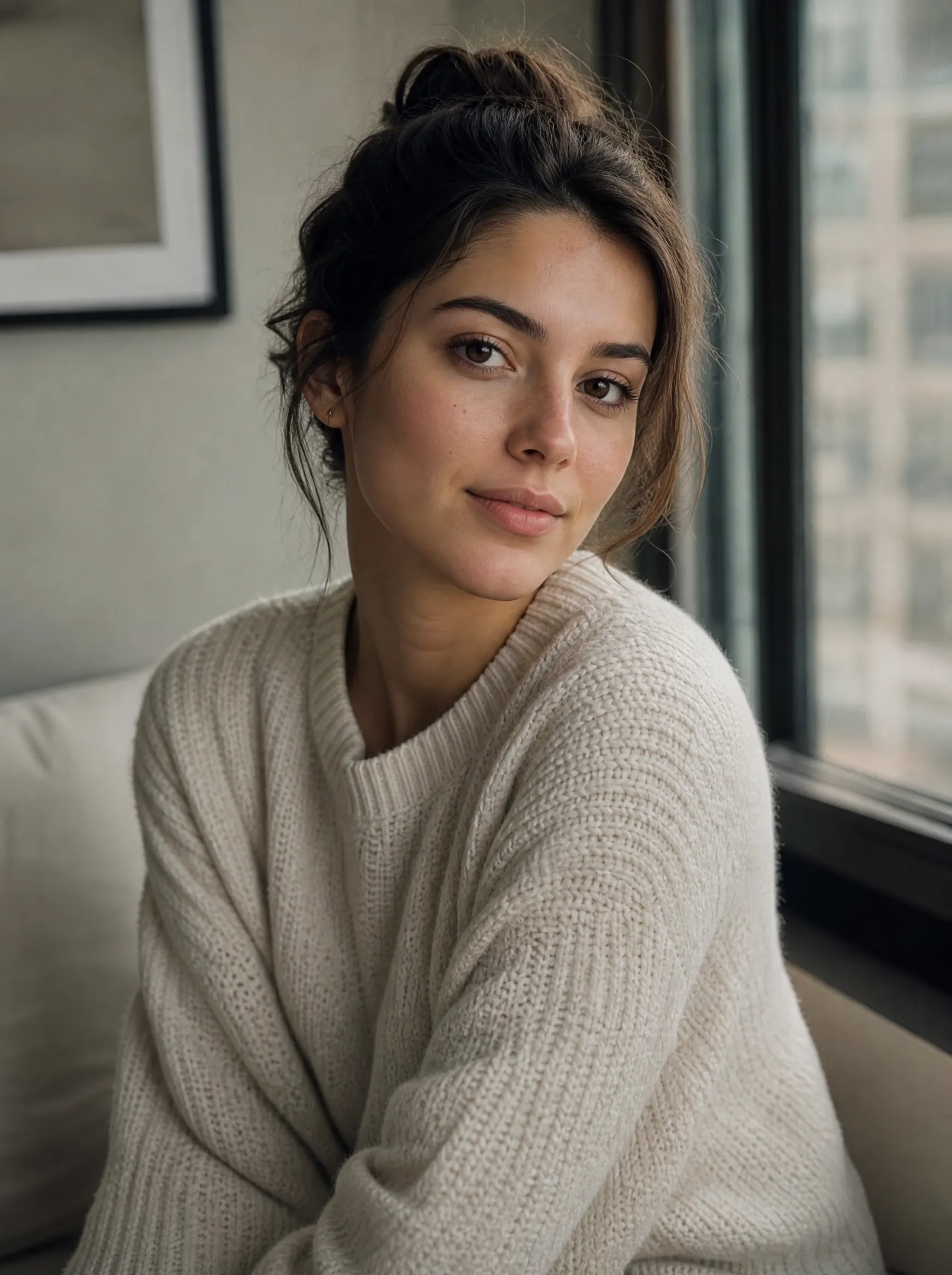
Window-lit portrait
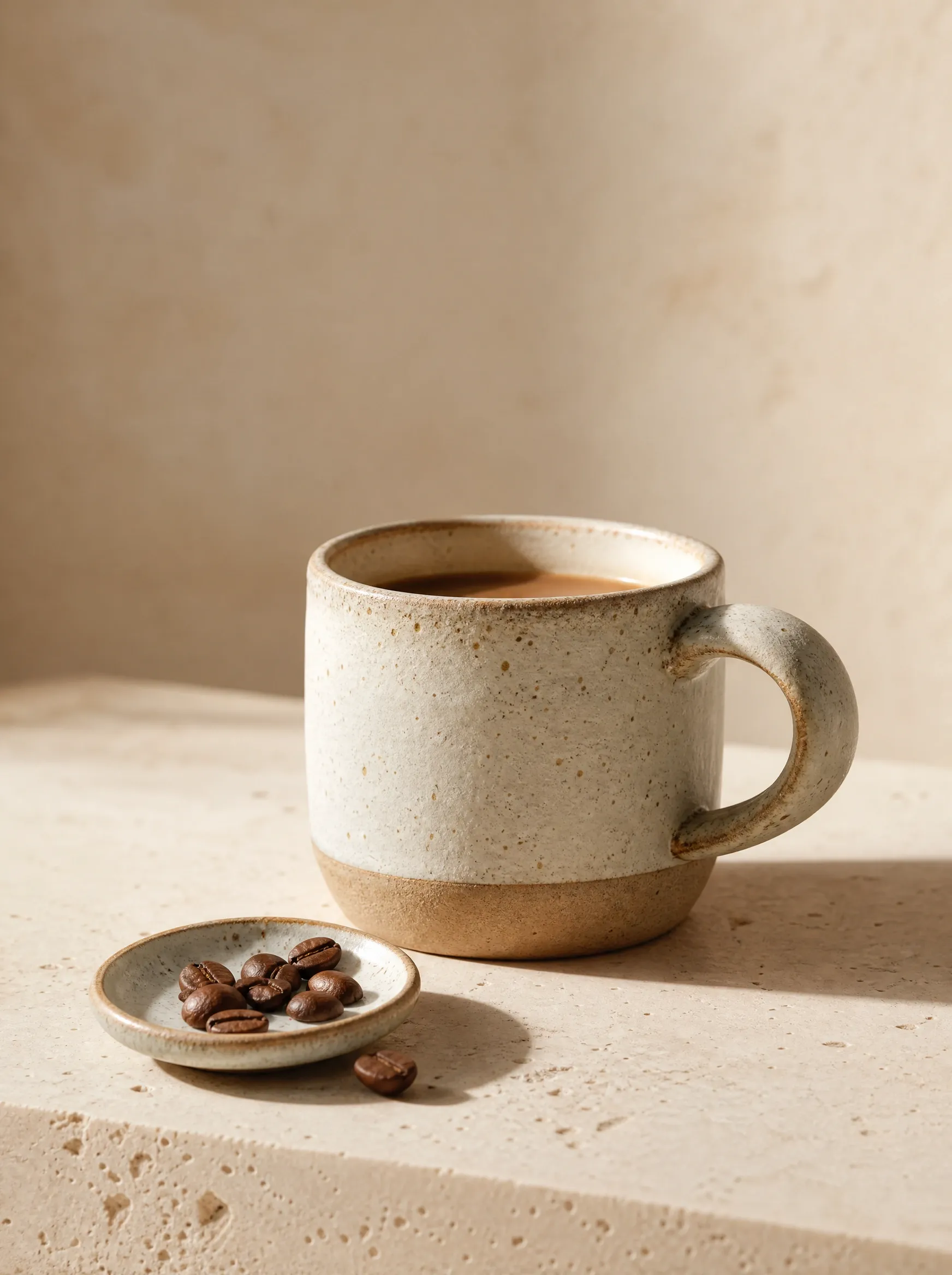
Ceramic cup still life
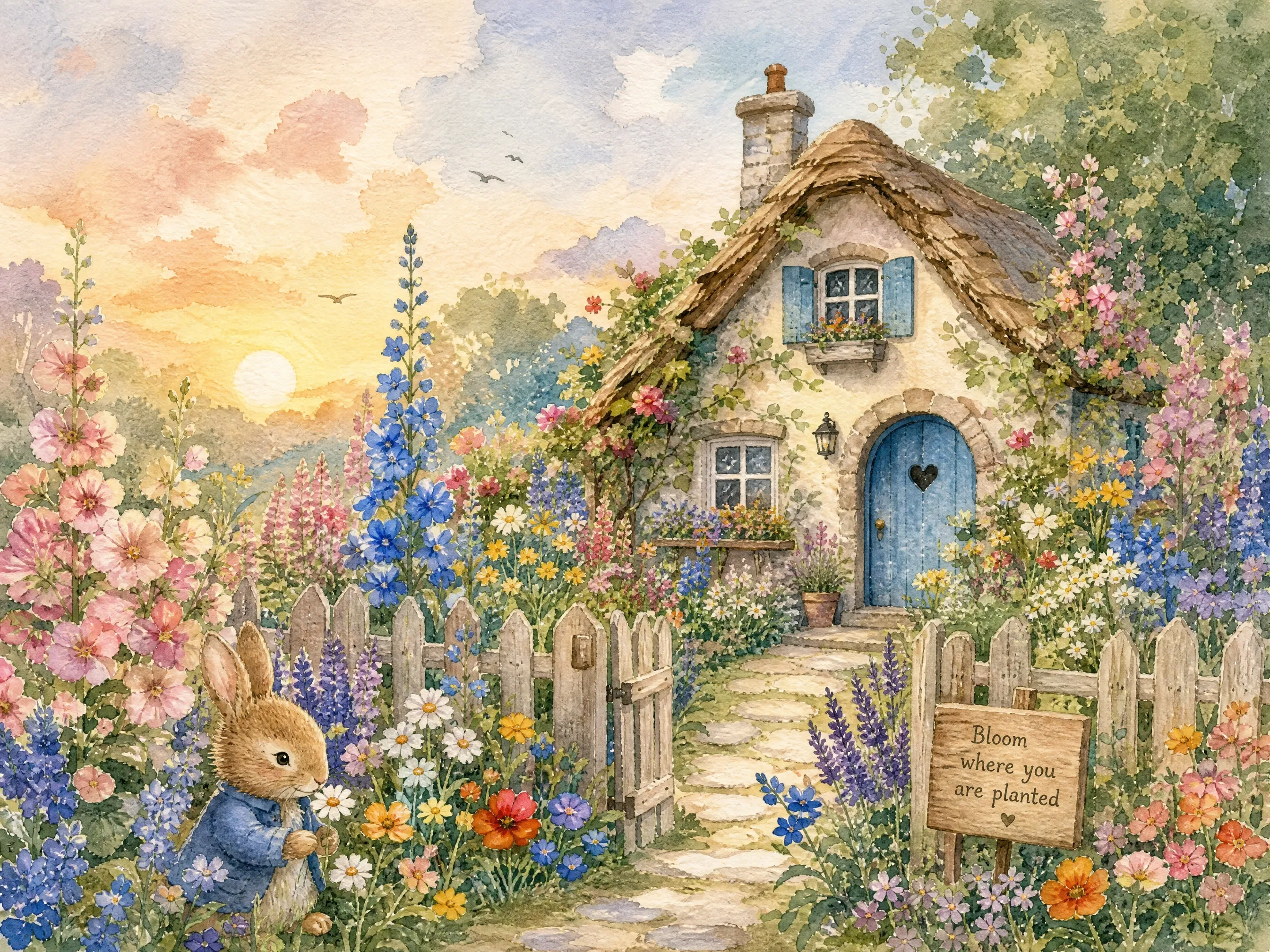
Wildflower cottage
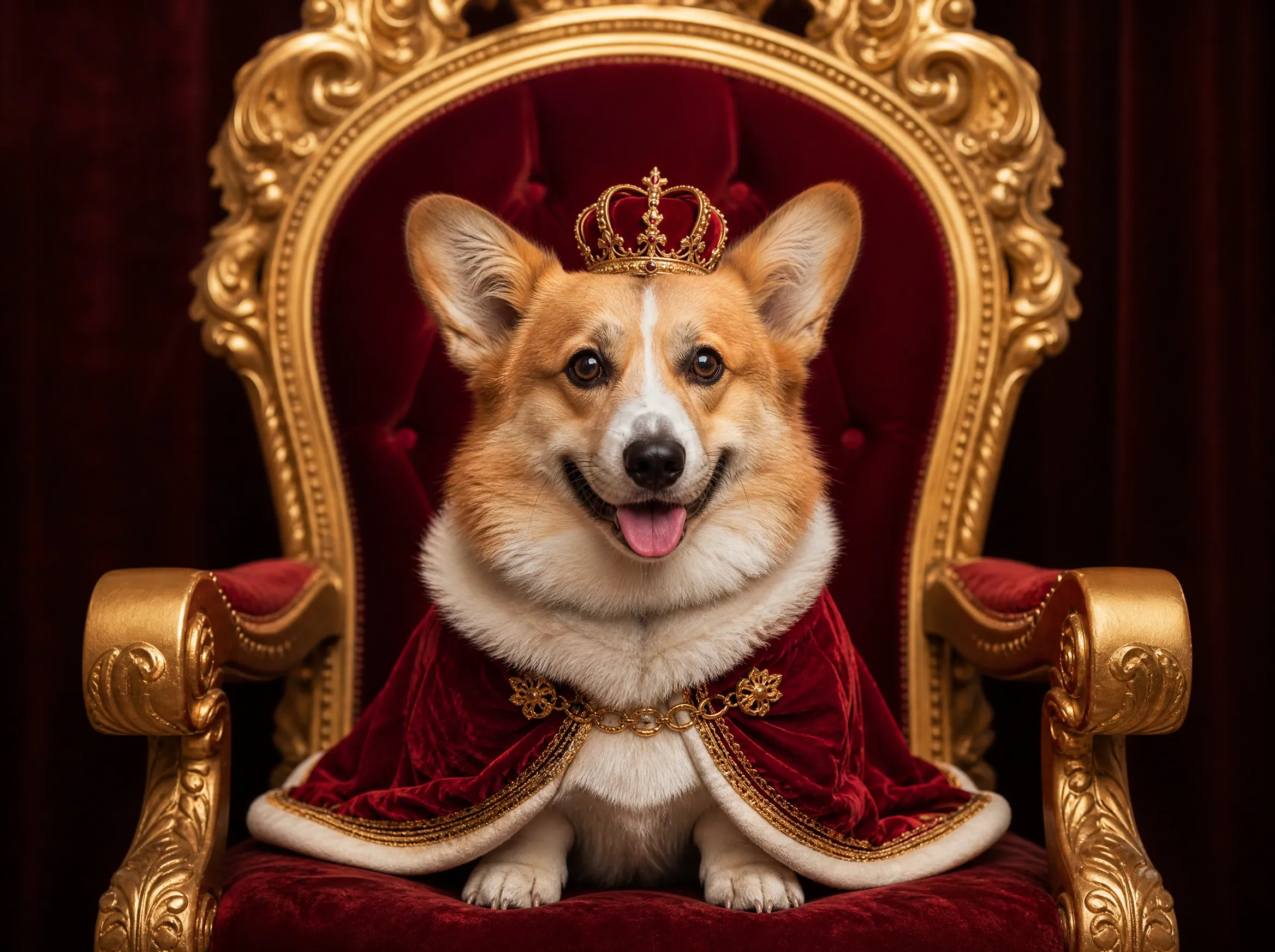
Royal corgi
How to Use an AI Text to Image Generator
An AI text to image generator converts a written prompt into a new visual. Start with the main subject, add useful creative direction, and choose the format before you generate.
Write a clear text prompt
Name the subject first, then add style, setting, composition, lighting, colors, or exact words that should appear in the image.
Choose the model and format
Select a model for speed or detail, choose an aspect ratio, and decide whether you want one result or several variations.
Generate, compare, and refine
Create the image, keep the strongest result, then adjust the prompt or switch models when you want a different interpretation.
AI Text to Image Examples and Prompts
See images created with our AI text to image generator from real text prompts. Click an example to place its prompt in the generator and adapt it to your idea.
What You Can Create with an AI Text to Image Generator
From product visuals to concept art, an AI text to image generator helps you turn a short written idea into a finished image without any design software.
Create images from text prompts
Describe a subject, setting, style, lighting, and camera angle in natural language. The generator turns those details into a complete image.
Explore visual ideas quickly
Generate fast drafts when you are testing a concept, then refine the strongest composition instead of starting over each time.
Make marketing and product visuals
Create product scenes, social graphics, poster concepts, thumbnails, and campaign artwork from one written brief.
Keep a consistent art direction
Repeat important details such as palette, character traits, materials, and lighting to build a more consistent visual series.
Generate multiple variations
Create up to four versions of a prompt in one run, compare the compositions, and continue with the result that best matches your idea.
Create images in the right format
Choose square, portrait, landscape, widescreen, or vertical framing before generation so the composition fits its final use.
Turn a Text Prompt into an Image You Can Use
Use our AI text to image generator to direct the look, choose the right model, and compose the image for the place it needs to work.
One prompt, multiple ways to render it
Keep the idea constant and switch between models to compare speed, detail, layout control, and reference handling without rebuilding your prompt.
Make text part of the image
Create posters, diagrams, packaging, and title cards with words built into the composition. Nano Banana Pro and GPT Image 2 are the strongest choices when the copy needs to stay readable.
Compose for the final frame
Choose square, portrait, landscape, or widescreen before generation so the subject, negative space, and layout are designed for the destination instead of cropped into it afterward.
AI Text to Image Generator FAQ
Answers about creating AI images from text, writing prompts, free credits, commercial use, and supported formats.
Create Your First AI Image
Write a prompt, choose the format, and generate your first image online with Vidpixo AI text to image generator.