
AI Image to Image Generator
Use Vidpixo AI image to image generator to upload a reference, describe the change, and create a new version online.
Quick start
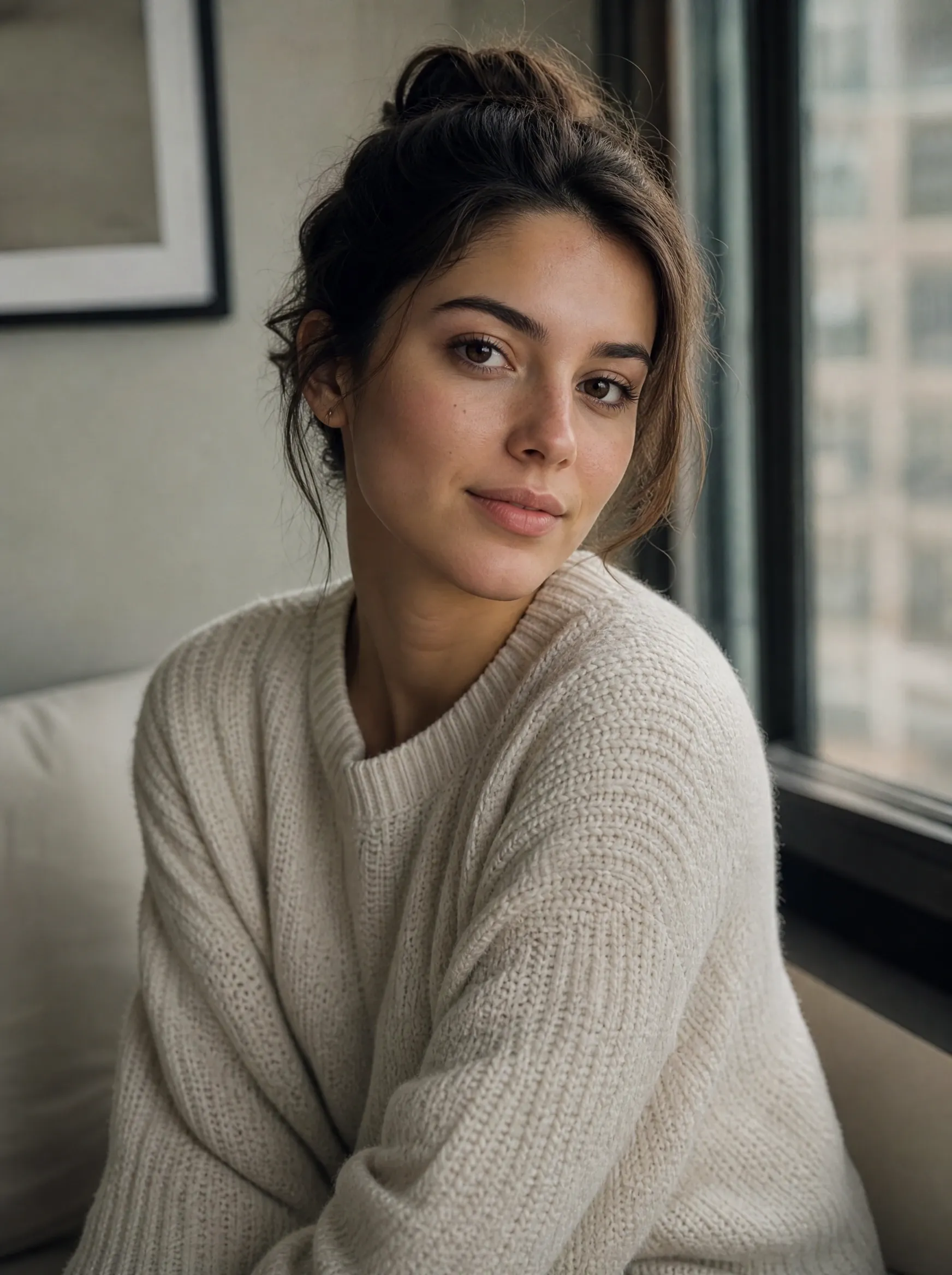
Window-lit portrait
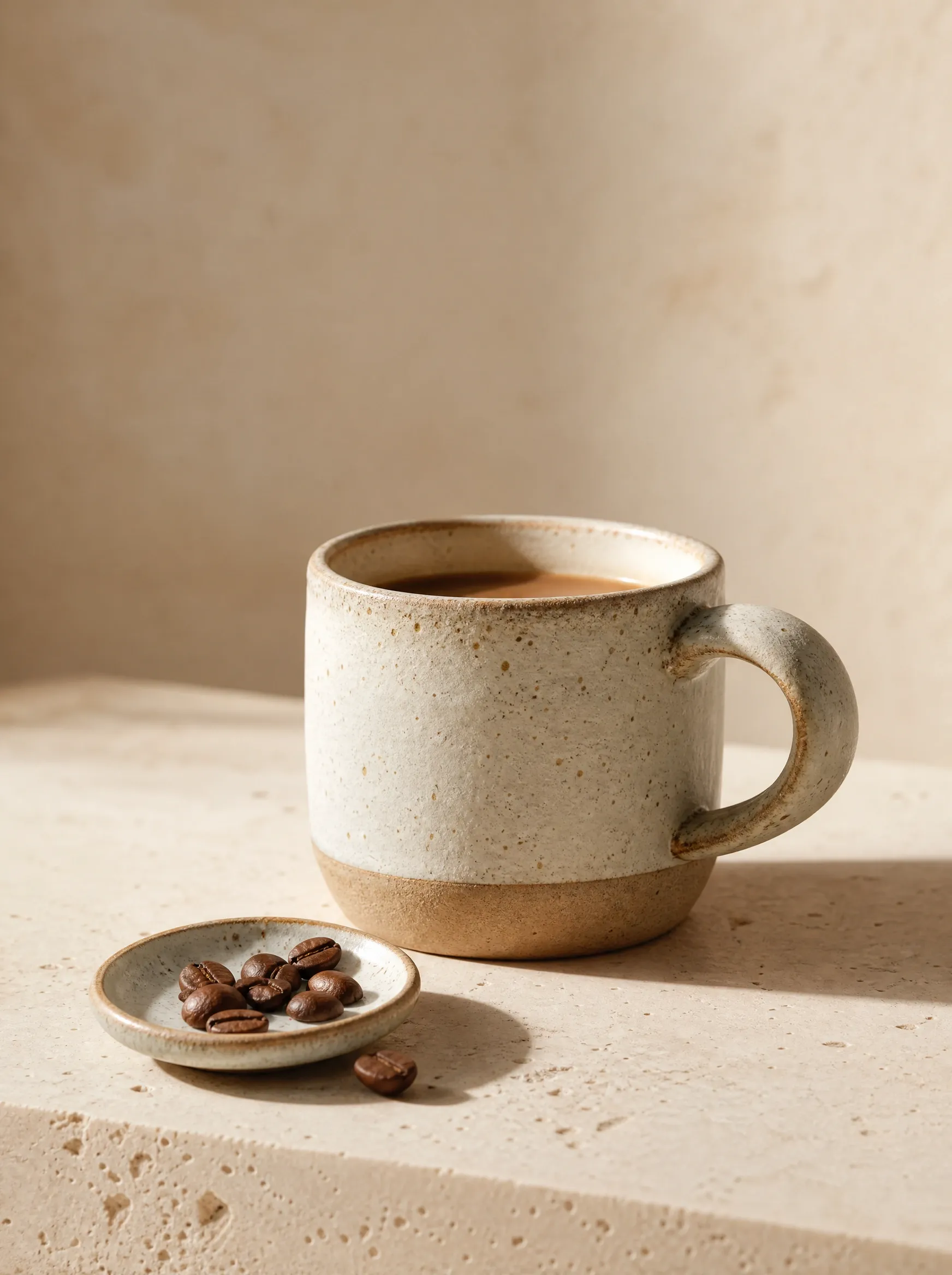
Ceramic cup still life
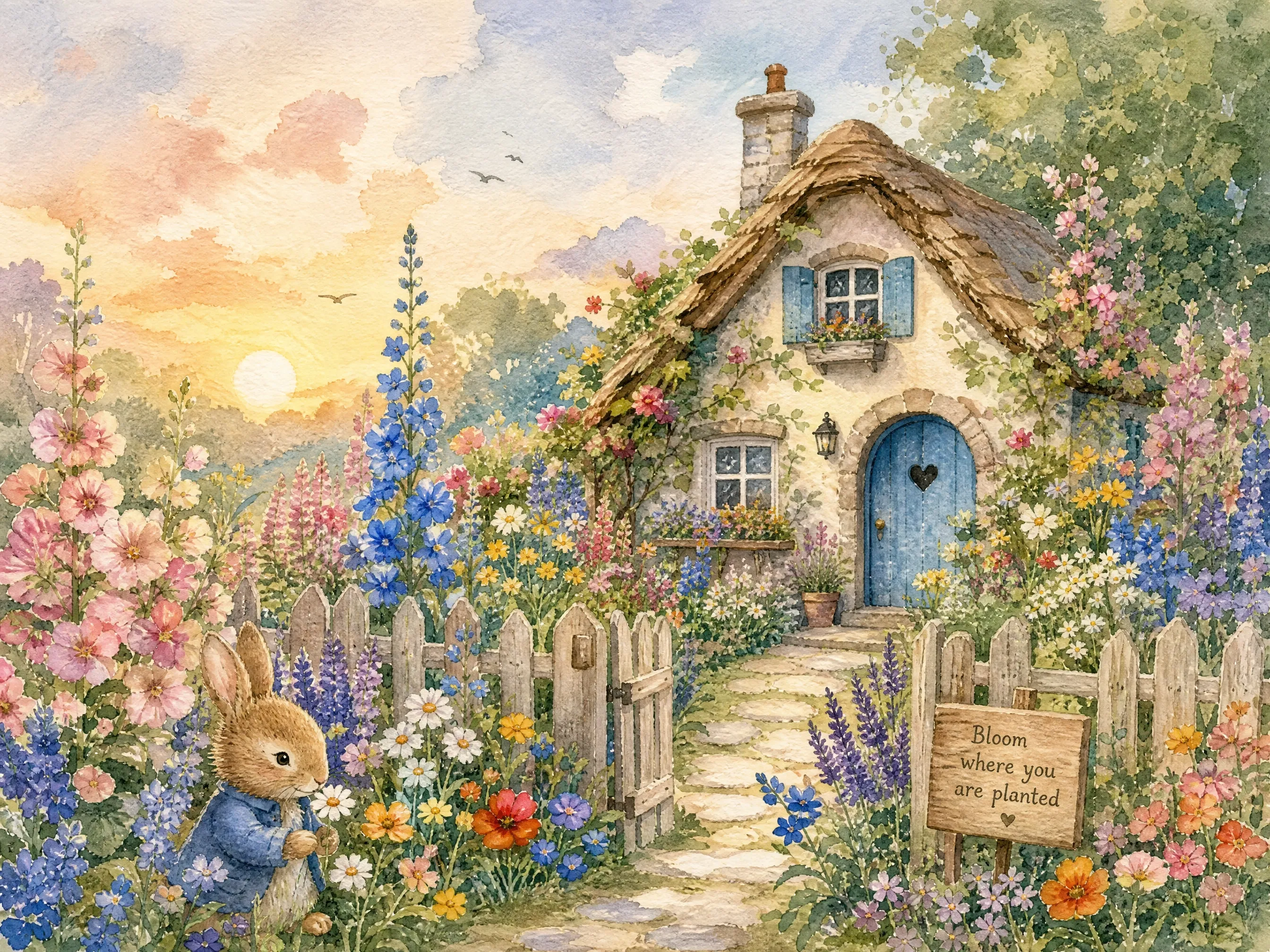
Wildflower cottage
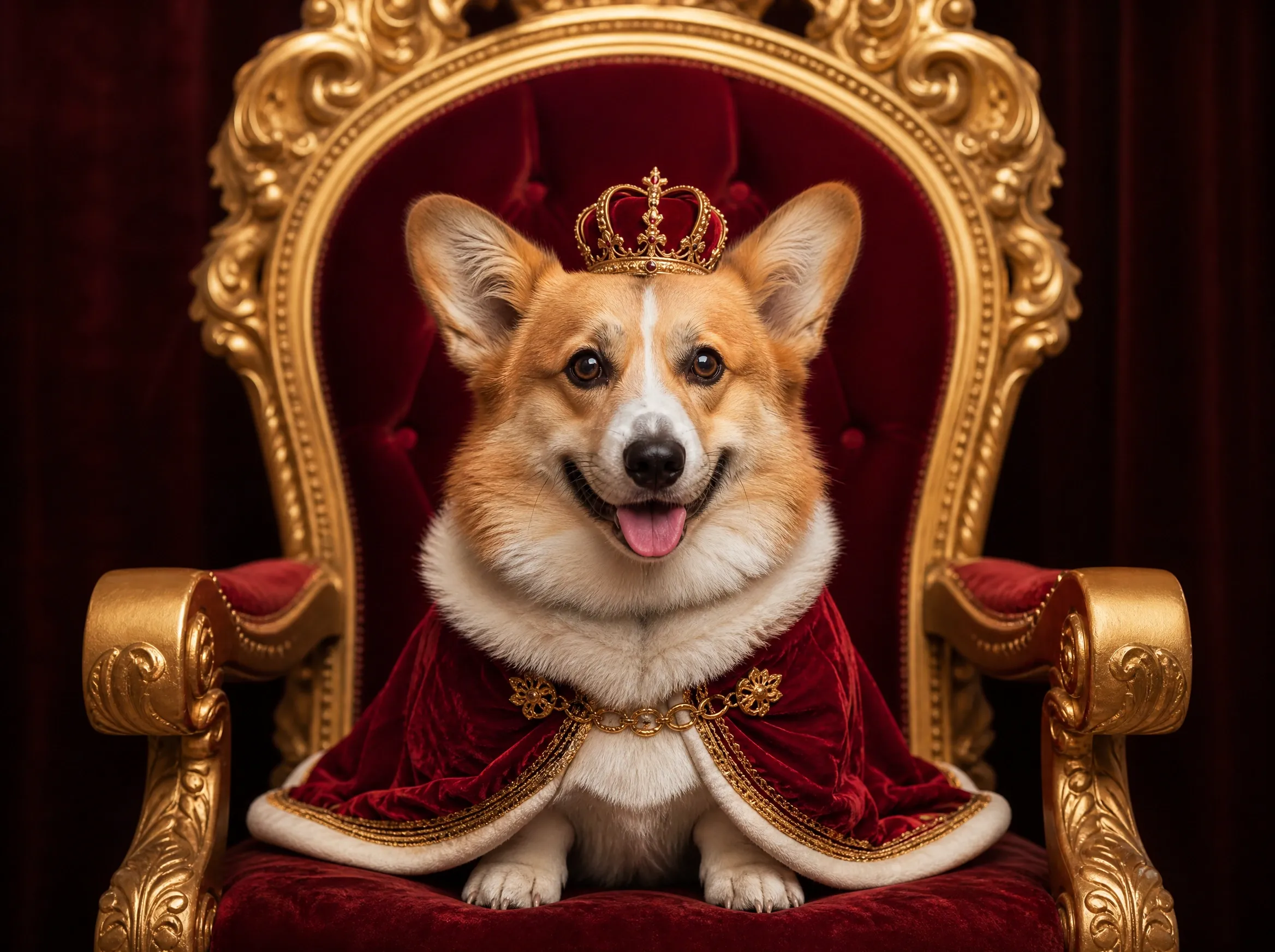
Royal corgi
How to Use an AI Image to Image Generator
An AI image to image generator starts with an existing photo and a written editing instruction. Upload the reference, describe only what should change, then generate a new version.
Upload a reference image
Add a photo, illustration, screenshot, or previous AI result in JPG, PNG, or WebP format. Each image can be up to 10MB.
Describe what should change
Write a direct editing prompt such as “keep the pose, use watercolor style, and make the light warmer.” Mention what should stay unchanged.
Generate, review, and refine
Create the new image, compare it with the reference, then adjust the prompt or reuse the result as a reference for another edit.
AI Image to Image Examples and Prompts
See how a reference image and a focused prompt can change color, remove an object, shift the lighting, or transform a portrait with an AI image to image generator. Select an example to try the same edit.

Interior redesign
Furnish this empty room with a low rust-colored sofa, a sculptural walnut coffee table, two cream lounge chairs, an indoor olive tree, and one abstract artwork. Preserve the architecture, window, fireplace, rug, floor, camera angle, and morning light.

Spring to winter
Transform this lakeside cabin from early spring to a snowy winter evening. Add fresh snow, a partly frozen lake, blue-hour light, and a warm glow inside while preserving the cabin, trees, shoreline, and camera angle.

Sketch to product
Turn this wireless headphone sketch into a photorealistic product made from matte charcoal-gray anodized aluminum with soft memory-foam ear cushions and a warm LED accent ring. Preserve the exact silhouette, proportions, headband curve, ear cup shape, and viewing angle.

Outfit change
Replace only the cream knit sweater with a burgundy silk slip dress. Preserve the person's identity, face, hair, expression, pose, framing, background, and lighting.
What You Can Create with an AI Image to Image Generator
An AI image to image generator helps you restyle photos, replace backgrounds, recolor products, and keep a subject consistent across new scenes — all from one reference image.
Restyle a photo or illustration
Turn a photo into watercolor, editorial art, a 3D render, or another visual style while keeping its subject and composition recognizable.
Replace a background or setting
Move a product into a studio, place a portrait in a new environment, or rebuild the setting without recreating the whole image.
Change colors, light, and mood
Recolor a product, move a scene from day to night, or adjust the atmosphere while preserving the original framing.
Add, replace, or remove objects
Describe the object that should appear or disappear. The generator redraws the surrounding area so the edit belongs in the scene.
Keep a subject consistent
Use clear reference images to preserve recognizable character, product, or design details across a new scene or visual direction.
Combine multiple references
Guide the subject, setting, and style with separate reference images, then explain in the prompt how those visual sources should work together.
Turn a Reference Into a New AI Image
Use your original image as the structure, make a focused change with natural language, and keep refining the same idea with an AI image to image generator from one result to the next.
Keep the subject, explore a new direction
A reference image gives the generator visual information that a text prompt would have to rebuild from scratch. Preserve the subject and composition while testing a new setting, material, mood, or art style.
Change one detail and protect the rest
A focused edit prompt can change an outfit, recolor a product, or change the lighting while asking the generator to retain the person's identity, face, hair, pose, framing, background, and lighting.
Use one reference or combine several
Start with one source image for a direct transformation, or add more references when the subject, environment, and visual style need separate guidance. The selected model determines the reference limit.
AI Image to Image Generator FAQ
Answers about reference images, editing prompts, free credits, supported formats, result similarity, and private image storage.
Create Your First AI Image
Upload a picture, describe the transformation, and generate a new version online with Vidpixo AI image to image generator.